Image to Text
Extract editable text from images, scans, screenshots, and photos.
Open toolBlog
Learn how to use OCR, PDF tools, Word conversion, image conversion, and CV tools with clear privacy-first advice.
Showing 100 of 100 articles
A simple guide to turning images, document photos, scans, receipts, and screenshots into editable text.
Read article
A practical screenshot OCR guide for copying text from apps, websites, error messages, receipts, and phone screens.
Read article
A practical guide to extracting text from PDFs and downloading it as TXT, DOCX, or PDF.
Read article
Combine scans, photos, receipts, and document images into one downloadable PDF file.
Read article
Convert a Word document into a PDF for sharing, printing, emailing, or archiving.
Read article
A clear guide to PDF to Word conversion limits, including text, tables, images, scans, and formatting.
Read article
Useful document tools for assignments, study notes, screenshots, PDFs, scans, and CVs.
Read article
OCR can reduce manual typing for receipts, forms, records, screenshots, and everyday office documents.
Read article
A practical privacy guide for OCR, PDF, Word, image, and CV tools online.
Read article
A clear guide for turning scanned pages, forms, letters, and document photos into editable text.
Read article
Practical OCR tips for students who want to reuse notes, prepare assignments, and organise study material faster.
Read article
A practical guide to converting receipt photos into editable text for easier records and expense tracking.
Read article
A step-by-step CV guide for job seekers who want a clean, professional CV without expensive software.
Read article
Choose the right PDF tool by understanding the difference between plain text extraction and editable Word output.
Read article
OCR ideas for small businesses that want to reduce typing and organise records more efficiently.
Read article
A privacy-focused explanation of browser-based conversion for OCR, image PDFs, PDF text extraction, and CV building.
Read article
A plain-English safety checklist for using free PDF conversion tools without sharing more than necessary.
Read article
A practical document organisation guide for notes, PDFs, scans, receipts, CV files, and work records.
Read article
A practical guide to using OCR with handwritten notes, class notes, study pages, and personal writing.
Read article
Turn WhatsApp screenshots into editable text while keeping private messages and phone numbers under control.
Read article
A practical OCR workflow for journalists handling screenshots, source documents, research notes, and interview material.
Read article
A guide to extracting text from book page photos and scans for notes, study, and personal reference.
Read article
Use OCR to capture invoice numbers, supplier names, dates, totals, and line item text faster.
Read article
Use business card OCR to capture contact details from networking events, meetings, and customer visits.
Read article
A practical list of document tools for invoices, receipts, contacts, records, PDFs, and everyday business admin.
Read article
A clear guide to scanned PDFs, OCR, selectable text, and practical extraction options.
Read article
A beginner-friendly explanation of OCR for images, scans, screenshots, receipts, PDFs, and document photos.
Read article
Learn when OCR is faster than typing and when manual entry may still be better.
Read article
A beginner CV guide for school leavers, students, and first-time job seekers.
Read article
Create a CV in your browser when you do not have Word installed.
Read article
A document checklist for job seekers preparing CVs, certificates, PDFs, scans, and application files.
Read article
A student guide to organising class notes, screenshots, scans, PDFs, and study files.
Read article
Turn class note photos into editable study text for revision, summaries, and assignments.
Read article
Turn printed forms and letters into editable text for records, replies, and document updates.
Read article
A research-friendly OCR workflow for students, writers, teachers, and knowledge workers.
Read article
A practical guide to matching your file type to the correct Convert My Docs tool.
Read article
An overview of the best Convert My Docs tools for students, job seekers, small businesses, and everyday document tasks.
Read article
A simple guide to creating a professional invoice online with automatic totals and a clean PDF download.
Read article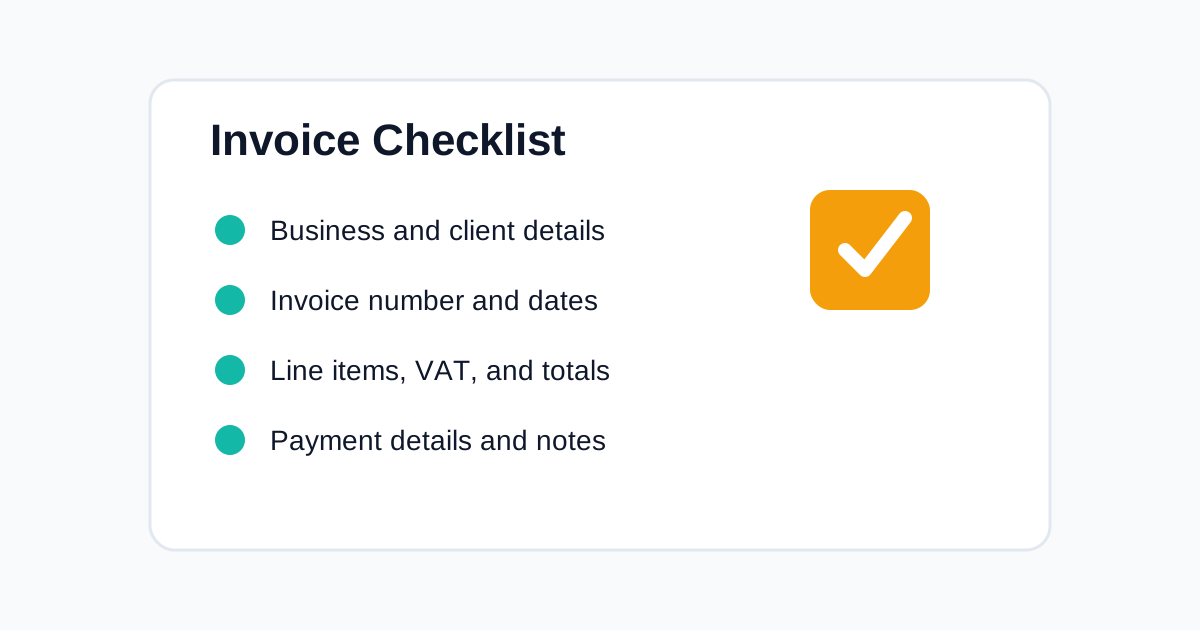
A practical checklist for creating invoices that are clear, professional, and easier for clients to pay.
Read article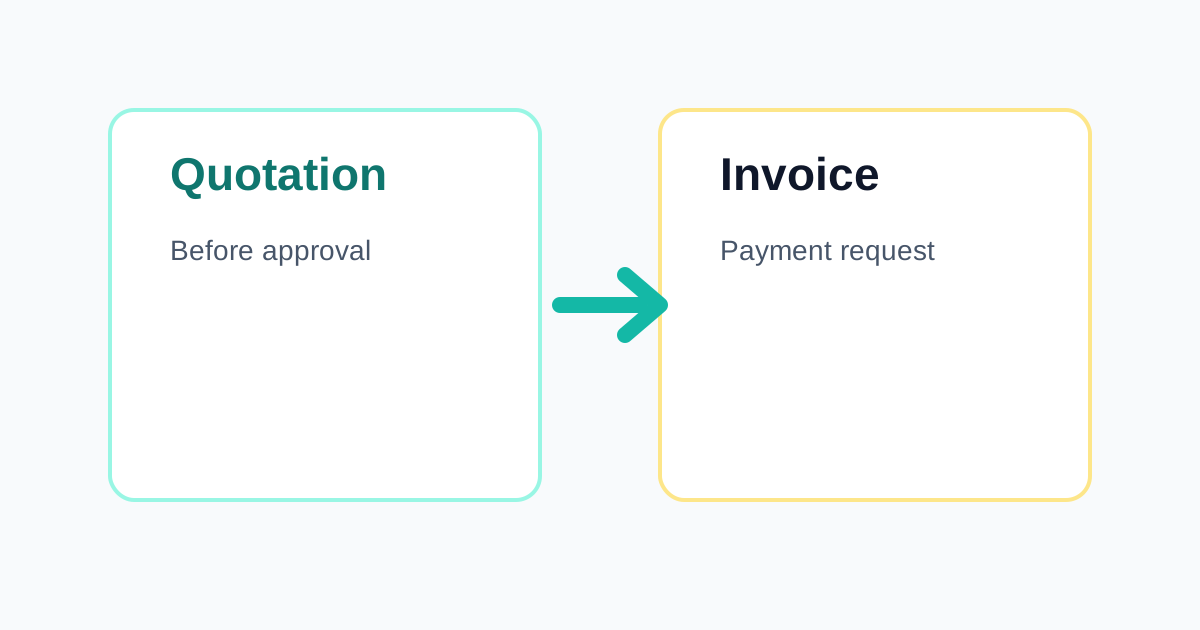
Learn when to send a quotation, when to send an invoice, and how both documents fit into a simple client workflow.
Read article
A step-by-step guide to preparing a clear client quotation before work begins.
Read article
A simple workflow for sending quotes that clients can understand, approve, and keep for records.
Read article
A step-by-step guide to combining multiple PDFs into one organised file.
Read article
A practical look at how simple document tools save small businesses time and reduce admin friction.
Read article
A simple system for keeping invoices, quotes, receipts, and PDFs easier to find and share.
Read article
A global guide to turning scanned paper pages into editable text without retyping every line.
Read article
Use OCR to pull text out of photos, screenshots, scans, and saved image files.
Read article
A practical guide to creating invoices that are easy for clients to read, approve, and pay.
Read article
Create quotations that explain the offer clearly before a client approves the work.
Read article
Make PDF files easier to email and upload by preparing images, removing extras, and organising pages carefully.
Read article
Choose a CV format that is readable, relevant, and easy for recruiters to scan.
Read article
A practical checklist for fixing resume mistakes before sending a job application.
Read article
Choose the right PDF workflow when you need to extract, edit, rebuild, or combine document files.
Read article
A practical guide to keeping small-team documents easier to find, send, and reuse.
Read article
Turn scattered files, scans, receipts, and forms into organised digital paperwork.
Read article
A practical paperless workflow for reducing paper piles and keeping digital files usable.
Read article
Create consistent invoice numbers so clients, payments, and records are easier to track.
Read article
Learn how to create clear receipts after payment and keep simple records.
Read article
A plain-language guide to VAT-style invoice fields and careful invoice review.
Read article
Keep remote work files clear, shareable, and easier to find across devices and teams.
Read article
Convert study files, assignment documents, notes, screenshots, and applications more efficiently.
Read article
Prepare clean job application documents before sending or uploading them.
Read article
A broad guide to converting files more safely and accurately across common document formats.
Read article
Compare classic, modern, compact, creative, and ATS-friendly resume templates before building your next CV.
Read article
A practical checklist for making your resume easier for applicant tracking systems and recruiters to read.
Read article
Write a resume summary that quickly explains who you are, what you do, and why you fit the role.
Read article
Build a skills section that is specific, readable, and connected to the role you want.
Read article
Use job description keywords honestly and naturally in your resume summary, skills, and experience.
Read article
Learn which font choices keep your resume professional, readable, and easy to scan.
Read article
Decide the right resume length for your experience level and application type.
Read article
Improve your resume layout with simple formatting rules that help recruiters scan the page.
Read article
A global guide to CVs, resumes, application expectations, and document format choices.
Read article
Choose the right resume file format for online applications, email submissions, recruiters, and editable drafts.
Read article
Improve OCR results with better image quality, contrast, cropping, and review habits.
Read article
Use OCR to save time when collecting research notes from images, scans, and printed sources.
Read article
Use OCR to reuse classroom materials without typing every worksheet again.
Read article
Use OCR carefully with old letters, archives, newspapers, and printed records.
Read article
Share PDFs with cleaner names, correct page order, safer content, and better final checks.
Read article
Review PDF content and privacy details before sending important documents.
Read article
Use PDF tools to keep business documents consistent, organised, and easier to share.
Read article
Use PDF tools to organise school or university documents and submit cleaner files.
Read article
Choose PDF for stable sharing and Word for editing when preparing documents.
Read article
Make PDF conversions cleaner by choosing the right tool and checking final files.
Read article
Write clearer invoice payment terms so clients understand when and how to pay.
Read article
Create cleaner invoices by avoiding errors that confuse clients and delay payment.
Read article
Follow up on quotes professionally while keeping client communication clear and helpful.
Read article
Know when to send an invoice and when to issue a receipt after payment.
Read article
Understand the purchase order process from buyer request to supplier delivery and invoice matching.
Read article
Know the difference between a buyer's purchase order and a supplier's invoice.
Read article
Track expenses clearly and prepare summaries for work, business, or personal budgeting.
Read article
Keep business paperwork easier to find with a simple document checklist.
Read article
Use delivery notes to confirm goods delivered and invoices to request payment.
Read article
Create a smoother workflow from client quote to approved invoice and receipt.
Read article
Use consistent file names to make digital documents easier to search, sort, and share.
Read article
Organise work documents with clearer folders, names, review habits, and conversion workflows.
Read article
Back up important documents before devices fail, files are deleted, or records are hard to recover.
Read article
Build a simple filing system for everyday documents, school files, and business records.
Read article
Use a monthly routine to keep business and personal documents from piling up.
Read article
Reduce paper clutter and manage freelance documents with simple online tools.
Read article
A universal checklist for everyday document conversion, creation, review, and storage.
Read articleRelated tools
Extract editable text from images, scans, screenshots, and photos.
Open toolCreate a professional CV with live preview, templates, and downloads.
Open toolCreate professional invoices with line items, VAT, totals, and PDF export.
Open toolBuild client quotations with item totals, terms, and clean PDF output.
Open toolGenerate receipts for payments, customers, items, notes, and totals.
Open tool