How to Convert Images to PDF
2026-06-20
Combine scans, photos, receipts, and document images into one downloadable PDF file.
Use the tool
Ready to try this workflow? Open Image to PDF and convert your file in a few simple steps.
Open Image to PDFWhat belongs in an image PDF
Image to PDF is useful when several photos or scans should travel as one document. Examples include certificate photos, handwritten homework, receipt batches, signed forms, delivery photos, and photographed pages.
It is not the same as OCR. The PDF will preserve the image pages. If you need editable words from those images, use Image to Text before or after creating your record copy.
Build the PDF in the right order
Put the main document first and supporting pages afterwards. If the PDF is for a school, client, employer, or admin process, the first page should make the purpose clear.
Before downloading, check page orientation. A mix of sideways and upright images can make the PDF feel careless even when the content is correct.
Simple quality checklist
Use sharp images, crop extra background, avoid heavy shadows, and remove duplicate photos. Smaller, cleaner image sets make easier PDFs.
Open the downloaded PDF once and check the first page, last page, and page order before sending it.
Photo, JPG, and mobile page order tips
When creating a PDF from phone photos, check each image orientation before downloading. A clean PDF is easier to read when all pages face the same direction and are ordered like the original document.
JPG, PNG, and WEBP images can be combined into one PDF, but quality still depends on the source images. Use sharp images, crop extra background, and put cover pages or main documents before supporting pages.
FAQ
Can I combine JPG and PNG files in one PDF?
Yes. You can upload supported image formats and arrange them before creating the PDF.
Will Image to PDF make text editable?
No. It creates a PDF from images. Use OCR if you need editable text.
Related Tools
Related Reading
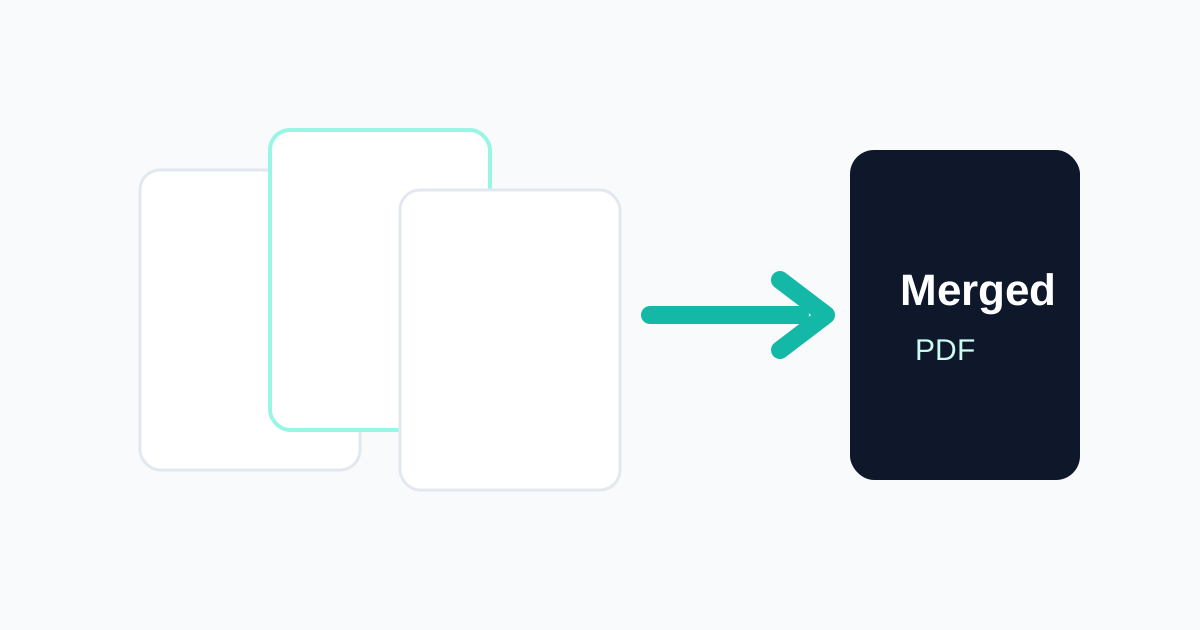
How to Merge PDF Files Online
A step-by-step guide to combining multiple PDFs into one organised file.
Documents
File Conversion Best Practices
A broad guide to converting files more safely and accurately across common document formats.
Productivity
How to Organise Digital Documents for School or Work
A practical document organisation guide for notes, PDFs, scans, receipts, CV files, and work records.
Start converting now
Convert My Docs keeps tools simple, mobile friendly, and privacy aware. Use the right tool for your file and download the result when it is ready.
Use Image to PDF