Image to PDF
Turn JPG, PNG, and WEBP images into a single downloadable PDF.
Open toolBrowser-based PDF tool
Upload multiple PDFs, reorder them, remove files you do not need, and download one combined PDF.
PDF files are merged in your browser where possible. Convert My Docs does not store your files permanently.
PDF merging runs in your browser where possible. Avoid uploading highly sensitive documents if you are unsure, and always check the merged file before sharing it.
Add multiple PDFs, reorder them, then download one combined PDF.
Files
0
Pages
Pending
Total size
0 KB
Files are merged from top to bottom.
Examples
Merge separate report sections, cover pages, and appendices into one PDF.
Combine invoices, quotes, receipts, forms, or scanned pages into one neat document.
Put multiple PDFs into the right order before sending them to a client, school, or office.
FAQ
Yes. Upload two or more PDF files, arrange the order, then merge them into one downloadable PDF.
Yes. Use the up and down buttons to set the merge order before creating the final file.
Yes. The tool uses browser-based PDF processing where possible, which helps avoid server storage.
Some encrypted or damaged PDFs may not open. Remove unsupported files and try again.
Business
A simple guide to creating a professional invoice online with automatic totals and a clean PDF download.
Business
A South African small business guide to creating clear invoices without expensive software.
Business
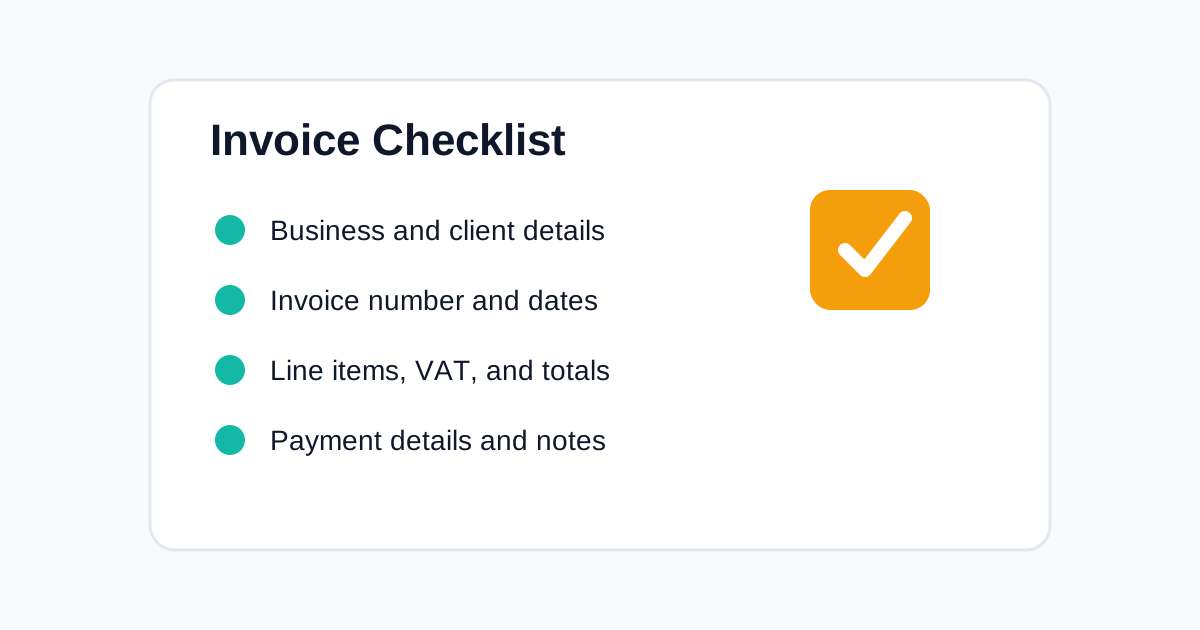
A practical checklist for creating invoices that are clear, professional, and easier for clients to pay.
Related tools
Turn JPG, PNG, and WEBP images into a single downloadable PDF.
Open toolConvert selectable PDF text into a downloadable Word DOCX file.
Open toolExtract selectable text from PDF pages into an editable text box.
Open toolConvert DOCX content into a clean PDF document.
Open toolConvert scanned documents and document photos into editable text.
Open toolCreate professional invoices with line items, VAT, totals, and PDF export.
Open toolBuild client quotations with item totals, terms, and clean PDF output.
Open toolGenerate receipts for payments, customers, items, notes, and totals.
Open tool