Business
VAT Invoice Basics for Small Businesses
2026-06-26
A plain-language guide to VAT-style invoice fields and careful invoice review.
Use the tool
Ready to try this workflow? Open Invoice Maker and convert your file in a few simple steps.
Open Invoice MakerStart with the difference between invoices
An ordinary invoice is a document that requests payment and records what was supplied. A VAT or tax invoice may need extra information where tax rules apply to the seller, buyer, transaction, or country.
This article is general document-organisation guidance, not tax advice. It does not list legal requirements, thresholds, deadlines, mandatory fields, or legislation.
Confirm tax requirements before relying on a document
VAT rules can depend on registration status, location, business type, transaction type, and current tax authority guidance. In South Africa or anywhere else, confirm current requirements with SARS, the relevant tax authority, or a qualified tax professional where necessary.
Convert My Docs does not determine whether your business must register for VAT, charge VAT, issue a tax invoice, or claim input tax.
What the invoice maker can do
The Invoice Maker lets you add business and client details, line items, currency, notes, payment details, and an optional VAT or tax percentage. It can calculate totals and create a clear invoice PDF.
The tool creates documents. It does not verify SARS compliance or tax compliance in any country. Do not add a VAT or tax percentage simply because the field exists; use it only when you know it applies.
Practical details to check before sending
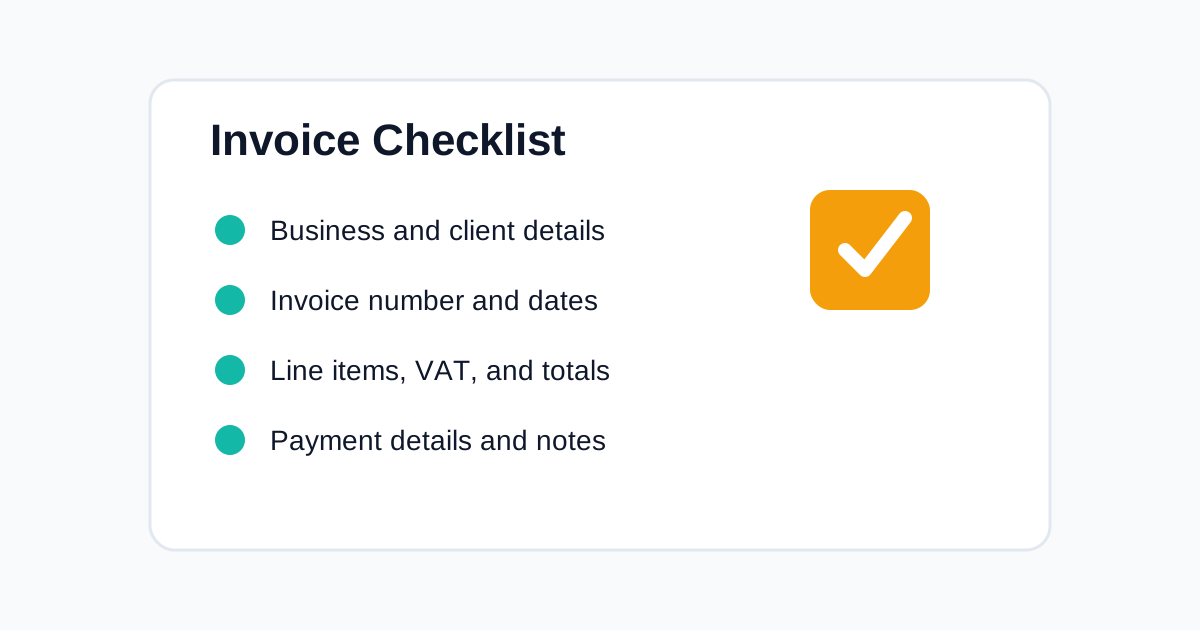
Check business name, client details, invoice number, invoice date, due date, line items, totals, currency, payment details, and any tax-related fields that apply.
Keep invoice records in a consistent filing system so they can be found later. If the invoice is used for tax records, store the final PDF and the supporting information your business normally keeps.
FAQ
Can Convert My Docs tell me whether to charge VAT?
No. The Invoice Maker can calculate an optional VAT or tax field, but it does not decide tax treatment or verify compliance. Confirm current requirements with SARS, the relevant tax authority, or a qualified tax professional where needed.
Related Tools
Related Reading
Business
How to Create an Invoice Online for Free
A simple guide to creating a professional invoice online with automatic totals and a clean PDF download.
Business
What Should Be Included on an Invoice?
A practical checklist for creating invoices that are clear, professional, and easier for clients to pay.
Business Documents
Invoice Mistakes Small Businesses Should Avoid
Create cleaner invoices by avoiding errors that confuse clients and delay payment.
Start converting now
Convert My Docs keeps tools simple, mobile friendly, and privacy aware. Use the right tool for your file and download the result when it is ready.
Use Invoice Maker